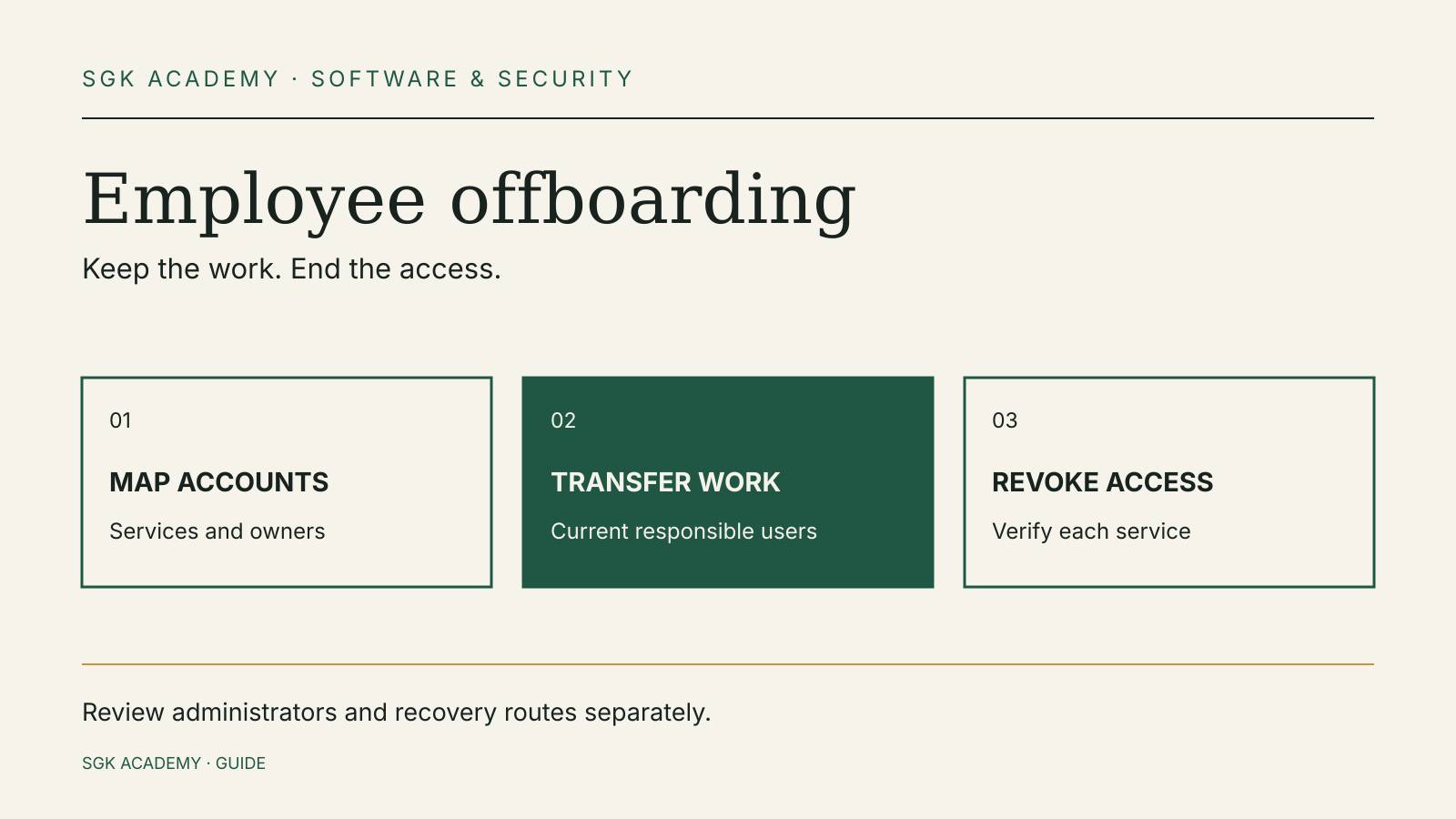
Employee offboarding should end a person’s access while keeping the business able to use its accounts and records. Start with the accounts that can move money, administer other users or recover the rest of your systems.
For a small team, the useful deliverable is a list of named services, owners and completed actions. A departure email and a returned laptop do not establish which cloud accounts are still active.
The UK’s National Cyber Security Centre (NCSC) recommends removing or disabling accounts that staff, suppliers and contractors no longer need. Its small organisations guide specifically includes finance, payroll, storage, social media and website services. This guide turns that advice into a working checklist. The sequence and examples below are editorial recommendations; each provider’s documentation determines the actual controls.
Decide who owns the departure and the work
Name one person to coordinate the access review and a second person who can check the most important steps. In a tiny company, that may be a founder and the person responsible for finance. In a larger team, it may involve IT, the line manager and the relevant system owners.
Record the agreed time at which work access ends. A normal handover, a role change and an urgent security incident can require different timing. The NCSC says unnecessary administrator access should be revoked promptly, ideally before a person moves. Coordinate the operational timing with the people who are authorised to manage the departure.
Write down which work must continue afterward: invoices awaiting approval, customer enquiries, scheduled publications, software deployments and files owned by the departing person. Assign a new responsible person to each. This is also a useful way to discover accounts that would otherwise be missed.
Do not make the departing person your only route to regain control of a critical service. If they are the sole administrator, sole recovery contact or only person who knows which bank user can approve payments, solve that dependency before the handover ends. A second owner’s ability to sign in should be checked through the service’s normal process.
Make an inventory beyond the laptop
Use an inventory organised by service rather than a list of devices. Ask the employee or contractor what they use, then compare the answer with the accounts and invitations visible to administrators.
The NCSC’s identity and access management guidance says policies should cover wherever organisational identities can be used, including external services where a work email address can create an account. That is a wider boundary than your central email directory.
| Area | Examples to look for | Handover question |
|---|---|---|
| Identity and recovery | Work email, sign-on provider, administrator accounts | Who can recover these after access ends? |
| Money | Banking users, payment tools, invoice approvals, payroll | Who can prepare or authorise the next payment? |
| Customer work | CRM, support inboxes, shared documents | Who owns unfinished work and customer records? |
| Publishing | Website, domain, social accounts, newsletter service | Who controls the service and its recovery contacts? |
| Technical work | Repositories, hosting, deployment tools, service credentials | Which personal access must end, and which service access must continue? |
Add direct invitations, shared folders and external collaborator accounts. A contractor may use a personal email address for a project even when your employees use central sign-on. The access review needs to include both.
Treat this table as a starting point. An organisation that handles customer data in a specialist portal should add that portal explicitly. A team using a point-of-sale service should add its staff and administrator roles. The inventory is complete only when it reflects the actual services in use.
Separate ownership transfer from access removal
Transferring a file or a task does not prove that the former owner can no longer open it. Removing a login does not prove that the replacement owner can use the work.
Keep two columns in the checklist: continuity and revocation. For a shared document, continuity may mean assigning an appropriate new owner. Revocation may mean removing the person’s direct invitation. For a website, continuity may mean confirming a current administrator; revocation may mean ending the departing user’s role.
Read the provider’s own instructions before disabling or deleting an account. Check what happens to owned files, mail, scheduled work and subscriptions. Do not assume every service preserves them, or that every service requires deletion to end access.
Where the provider supports a suitable suspension or access-removal process, decide whether it meets your needs before taking a destructive action. This guide does not set a universal retention period. Business records and personal information can have different requirements, which the responsible people should resolve for their jurisdiction and circumstances.
Avoid taking a shortcut by handing one person’s password to another. Where a service supports individual users, give the replacement person their own account and the permissions needed for the work. That keeps the next review understandable.
Check administrator accounts first
Administrator accounts can change settings and manage other users. The NCSC warns that a compromised administrator may be able to read users’ email, delete files or backups, or approve significant transactions.
Its administrator account guidance recommends more than one administrator account, each managed by a different person. It also recommends two-step verification and separate accounts for routine work and administration.
During offboarding, look for both identities. Removing a person’s normal work account is an incomplete result if their separate administrator account remains available.
Check access to recovery settings as well. A departing employee’s phone number, backup email or recovery codes may still be associated with a service. Use the provider’s authorised process to bring company recovery details under the control of appropriate current staff. Record which recovery route was checked; do not put passwords or recovery codes in an ordinary departure spreadsheet.
The NCSC recommends keeping recovery information accessible even if your email account becomes unavailable. Review that dependency while you still have normal administrator access. If every backup email points to the same locked-out service, the word “backup” offers little practical help.
Review sign-on and each connected service
Single sign-on can simplify offboarding. The NCSC describes it as a way to help control access to online services and revoke access along with a person’s work account.
Before relying on it, establish which services actually use that identity. An application reached from your sign-on dashboard may also have direct local accounts, separate administrators or invited external users. Check the service’s own user list and documentation.
Record the action at both levels where appropriate: the organisational identity and the application’s permissions. If the provider documents separate controls for active sessions, tokens or connected applications, review those controls rather than assuming that one password change covers them.
This is a verification step, not a claim that all products behave the same way. Some providers combine several actions; others expose separate options. The checklist should name the actual action taken and any remaining limit.
If an integration depends on a departing person’s account, identify its owner and supported replacement method. Reconnect it through the provider’s approved process and check that the necessary business task can continue. Do not casually disable a shared integration without understanding what depends on it.
Treat finance permissions as their own task
A person may be able to prepare payments, approve them, administer users or change account details. These are different permissions. Review the roles shown in each banking or finance service.
Use the bank or provider’s official instructions for removing a user. Where a company mandate or authorised signatory needs a separate process, assign that process to the responsible person and record its status. Removing an app login should not be represented as proof that every formal authority has ended.
List payments and approvals waiting at the handover point. The new owner needs to know what is pending without receiving a former user’s credentials. Record outstanding tasks by reference and owner, keeping sensitive payment information in the approved finance system.
This is a sensible moment to recheck how payment instructions are verified. SGK Academy’s invoice fraud guide explains a separate control: verifying changed payment details before money is sent. A new approver still needs that control.
Use a small evidence log
A useful completion log is specific enough for someone else to review.
| Field | Illustrative entry |
|---|---|
| Service and user | Document platform; named contractor account |
| Business owner | Operations manager |
| Continuity action | Project files assigned to current owner |
| Access action | Direct project invitation removed |
| Checked by | Coordinator and service owner |
| Open issue | External customer workspace still awaiting confirmation |
These are invented example entries, not results from a tested system. Adapt them to the provider’s actual controls and your organisation’s handling of records.
Keep unresolved work visible. “Requested removal” and “confirmed removed” should be different statuses. If an external workspace is controlled by a customer, assign the follow-up to a named current employee. Do not mark the whole inventory complete because your own directory has been updated.
The NCSC recommends protecting audit records from tampering and being able to associate actions with the person or account that performed them. Use the existing service logs where available. Your coordination checklist should point to evidence; it does not need to copy every event into another system.
An illustrative handover for a five-person team
Suppose a contractor maintains the website and handles newsletter production. Their work email is managed centrally, but the domain registrar uses a direct account and the newsletter service has an external invitation.
Before access ends, the coordinator identifies the current website administrator, confirms company recovery details and assigns the next newsletter to a current team member. The domain owner checks the registrar’s official user-management process.
At the agreed handover time, the relevant owners end the contractor’s user access across all three services. They review any provider-documented session or integration controls and record the result. The team then checks that the current owners can perform the required work.
The example illustrates why the work email alone is an insufficient inventory. It does not establish a universal sequence of buttons. The controls belong to the actual website host, registrar and newsletter provider.
If a service cannot be handed over immediately, the log should state the specific dependency, responsible owner and interim access decision. A vague “IT done” entry leaves the next person to rediscover the problem.
Make the next departure easier
The NCSC recommends reviewing access to important accounts every few months. That review can reveal unused contractor accounts before the next departure.
Use the findings to improve the inventory, assign owners to critical services and reduce sole-administrator dependencies. Make temporary accounts and external collaborators part of the same review. A role change can leave unnecessary privileges behind even when the person remains employed.
Keep account recovery in that routine. Our passkeys and recovery guide explains why a secure login also needs a workable recovery plan. Offboarding adds another question: whether the recovery route still belongs to an appropriate current person.
Sources and document dates
Checked 9 October 2026. Primary guidance: NCSC, secure important online accounts, published 9 April 2026 and reviewed 21 July 2026; protect administrator accounts, version 1.0, 11 January 2024; and identity and access management, version 1.0, 11 May 2021.