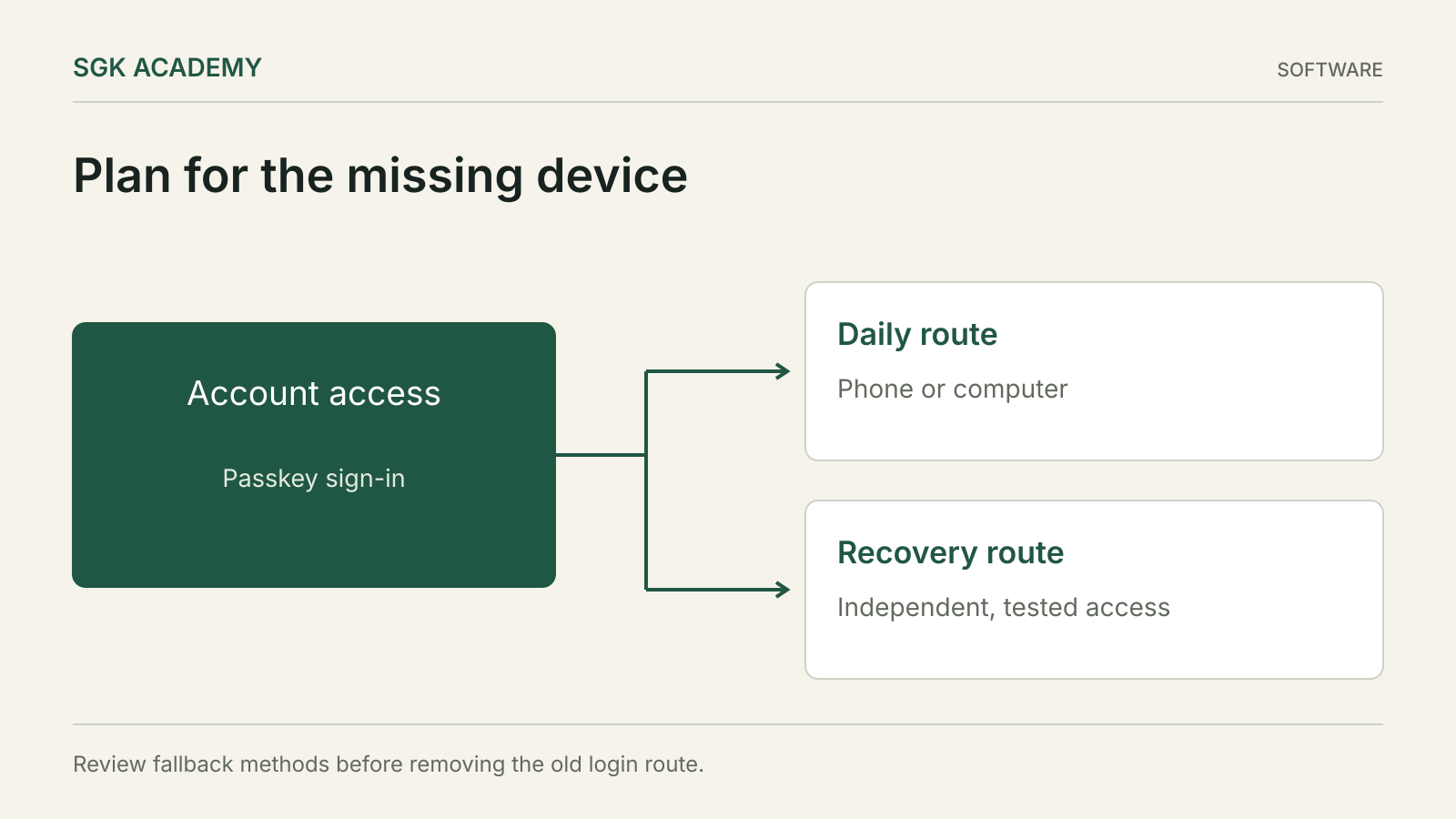
Passkeys can make phishing-resistant sign-in easier, but account recovery still needs a plan. Before replacing a password-based routine, establish where the credential is stored, what happens when a device is lost and which fallback methods remain active. A strong everyday login can still sit beside a weak recovery route.
The Canadian Centre for Cyber Security’s April 2026 guidance is a useful starting point because it addresses both the benefits and the residual risks. The practical task is to design the whole access path, including the day when the usual phone or laptop is unavailable.
Understand the credential you are creating
A passkey uses a public-key credential. The service holds the public part, while the private part is controlled through the user’s authenticator arrangement. A supported device can require a local PIN or biometric check before using the credential.
The Canadian guidance describes passkeys as a stronger alternative to traditional authentication while stressing secure implementation and device protection. The local fingerprint or face check is part of unlocking use of the credential; it should not be confused with sending a reusable password to the website.
From the user’s perspective, the important question is where the private credential is available. Some passkeys are synchronised through a credential provider, while others are bound to a particular device or hardware authenticator.
Do not assume that every service and operating system supports the same features. Check the actual account settings and provider documentation before relying on a recovery path.
Choose between convenience and a specific device dependency
A synced passkey can be available across supported devices through the relevant credential account. That can reduce the risk of losing access with one device, but it makes the security and recovery of the synchronisation account important.
A device-bound credential remains tied to its authenticator. This can support a more controlled arrangement, but losing the only usable authenticator can create an access problem.
Neither label describes the complete security of the setup. Device protection, account recovery, service support and the user’s habits all matter. A securely stored spare authenticator may be more useful than a theoretically strong arrangement that has no recovery route.
Write down the dependencies without recording the secrets themselves. For example: work account, primary credential provider, supported phone and laptop, spare security key, and the official recovery route.
Map recovery before removing old access
Open the service’s security settings and identify every way the account can be accessed or recovered. These may include other passkeys, passwords, authenticator apps, recovery codes, email, telephone or administrative recovery, depending on the service.
A passkey does not automatically disable those alternatives. The Canadian guidance specifically notes that legacy login and fallback methods can retain risk even when passkeys are supported.
| Access route | Question to answer | Practical check |
|---|---|---|
| Primary passkey | Where is it available? | Sign in on the intended device |
| Additional passkey or key | Is it independently usable? | Test it while primary access remains |
| Credential-provider account | How is it recovered? | Review its security settings |
| Recovery email | Is it protected and current? | Confirm access and alerts |
| Recovery codes | Where are they securely kept? | Confirm the location, not in shared notes |
| Administrator recovery | Who can approve it? | Document the business process |
Remove an obsolete route only after confirming that the remaining arrangement works. A security improvement should not accidentally lock the legitimate user out.
Rehearse a lost-phone day
Imagine arriving at work without the phone normally used for sign-in. Which device can still access the credential provider? Can the laptop sign in independently, or does it need the missing phone? Is the spare authenticator accessible?
Test this scenario while the phone is still available. Use an ordinary sign-in flow on a second supported device rather than deliberately destroying access. Confirm that you understand which credential completed the login.
Then consider a more difficult scenario: both phone and laptop are unavailable. This can happen during travel or theft. Identify which recovery route remains and what information or hardware it requires.
The exercise often reveals a circular dependency. The recovery instructions may be stored inside the account that cannot be opened, or the backup code may be available only on the lost device. Resolve that dependency before relying on the plan.
Keep recovery evidence separate from daily devices
Recovery information should be stored securely and in a form that survives the scenario it is meant to address. The right arrangement depends on whether this is a personal account or a business account with administrative support.
Do not put recovery codes in an unprotected shared spreadsheet. Do not send them to someone who contacts you claiming to provide support. Treat them as credentials capable of granting access.
For a business, record who is authorised to use emergency access and under which conditions. The location of the recovery material and the authority to use it are separate questions.
Periodically check that the recovery route remains current after changing a phone number, leaving a provider or replacing devices. A carefully designed plan can become unusable through ordinary account changes.
Protect the session after login
Passkeys address an important part of authentication. They do not make an already compromised device trustworthy or prevent every form of session theft.
The Canadian guidance discusses risks such as session hijacking and implementation vulnerabilities. Once an attacker controls a session or endpoint, the strength of the original login may not be the only relevant defence.
Keep devices updated, use appropriate screen locking and review active sessions where the service provides that information. Be cautious about granting remote access or installing software at the request of an unsolicited caller.
A passkey prompt should correspond to a sign-in you initiated. If an unexpected prompt appears, stop and establish why it occurred. Convenience should not train the user to approve every request automatically.
Separate staff identity from shared business access
A small company may be tempted to keep one shared login for a finance or administrative service. Adding a passkey to that shared account does not solve accountability or staff-departure problems.
Where the service supports individual users, give people their own accounts and appropriate permissions. The company can then remove one person’s access without rebuilding the entire authentication arrangement.
For unavoidable shared access, document the supported method and recovery ownership. Avoid binding the business’s only route to one employee’s personal device or private credential account without a continuity plan.
When a person leaves, review their account access, active sessions, registered authenticators and any shared recovery material they could use. A password change alone may not remove every route.
Migrate the highest-value accounts carefully
Start with accounts whose compromise would unlock other systems, such as primary email or administrative identity services. The actual order depends on your business’s dependencies.
For each account, confirm service support, add the intended credential, test an independent recovery route and review fallbacks. Record completion before moving to the next account.
Do not rush a large migration immediately before travel, payroll or a critical filing deadline. Leave time to identify compatibility problems on the devices people actually use.
A mixed environment may require different arrangements for different services. The objective is reliable, phishing-resistant access where supported and strong alternatives elsewhere, not a uniform label applied to every account.
Write a short recovery card
A recovery card should contain instructions and locations, not a collection of exposed secrets. For example: which official service to open, which spare authenticator is registered, where protected recovery material is kept and who can authorise emergency access.
For a personal account, include the steps you would take after losing a device: secure the device through the relevant provider, inspect account sessions and recover access using the planned route. Provider-specific details should come from that provider’s current instructions.
For a company, include an escalation contact and a record of who used emergency access. The person helping should not need to improvise a new procedure under pressure.
Keep the card accessible outside the account it protects. That is the main difference between a recovery plan and a note that merely describes one.
Review the arrangement after ordinary life changes
New devices, changed jobs, a different password manager or a new business administrator can alter the access chain. Review passkeys and recovery routes as part of those changes.
Remove credentials for devices that are no longer controlled, following the service’s supported process. Confirm that the replacement credential works first and that another valid route remains.
Do not assume that synchronisation, backup and service-account recovery are identical concepts. A credential provider may restore one part of the arrangement while the target service has its own rules. Test the actual path.
The most useful passkey setup is one that you can explain and recover. Strong cryptography supports it, but the everyday decisions about devices, fallbacks and ownership determine whether it remains usable.
Check access while travelling
A recovery arrangement that works at home may fail on a trip. The spare key could be in a locked office, the recovery number could lack service, or a borrowed computer might be unsuitable for accessing a sensitive account.
Before travelling, establish which supported route you would use if the primary device were lost. Keep any spare authenticator separate from the device it backs up where practical, and avoid making both depend on the same bag. For a business account, confirm that the authorised administrator can help through an established channel.
Do not test recovery by disabling every working method. Keep a valid route available while confirming the alternative. The purpose of the exercise is to discover dependencies under controlled conditions, not to create the emergency you are planning for.
Questions
Will I lose every account if I lose my phone?
That depends on where the passkeys are stored and which other credentials or recovery routes exist. Test an independent route before relying on the phone as the primary device.
Are synced passkeys always weaker than device-bound ones?
No universal ranking follows from the label alone. Compare the credential provider, device protection, recovery design and the needs of the account.
Does adding a passkey remove my password?
Not necessarily. Review the service’s actual login and recovery options; legacy methods may remain available.
Can passkeys prevent every account takeover?
No. They improve authentication, but compromised devices, stolen sessions, weak fallbacks and implementation problems can still matter.