A cyber incident response plan for a small business should fit on a page before it grows into detailed checklists. It needs to say who leads, how to reach them when normal systems fail, what counts as an escalation, and how the business will recover without destroying useful evidence.
The UK’s National Cyber Security Centre (NCSC) treats the plan as the starting point for incident handling. Its guidance on developing an incident response plan calls for key contacts, escalation criteria, a basic lifecycle, an always-available conference line and notes on legal or regulatory requirements. The point is to make decisions easier under pressure, not to predict every attack.
Start with the systems the business cannot do without
List the services that would stop sales, payments or customer work if they disappeared for a day. For a small company, that may be email, the accounting system, the online store, shared files, the payroll service and the domain registrar.
For each system, record:
- the business owner of the service;
- the technical provider and support route;
- the administrator account and recovery method;
- where logs can be obtained;
- what data the service holds;
- the latest tested backup or export;
- the longest tolerable outage.
The NCSC’s preparation guidance recommends identifying critical information and processes, assigning shared responsibility and testing that backups can actually be restored. Keep the contact list and the first-page plan somewhere accessible if email, cloud storage or the office network is unavailable.
A backup is useful only if someone knows how to restore it. Record the last restoration test, the person who performed it and the result. Your plan can link to a separate backup procedure rather than copying every technical step.
Name the roles before an incident
A small team may give several roles to the same person, but the decisions should still be explicit.
| Role | First responsibility | Fallback |
|---|---|---|
| Incident lead | sets priorities and records major decisions | deputy owner or director |
| Technical lead | contains the issue and coordinates providers | managed IT provider |
| Communications lead | updates staff, customers and partners | incident lead |
| Evidence recorder | keeps the timeline, screenshots and actions | technical lead |
| Legal or privacy contact | checks notification duties | named adviser or insurer panel |
The NCSC advises keeping at least two contact methods and more than one person for key responsibilities. Add an external call or conference route that does not depend on the affected system. If the business uses cyber insurance, write down the policy number and the point at which the insurer expects to be called.
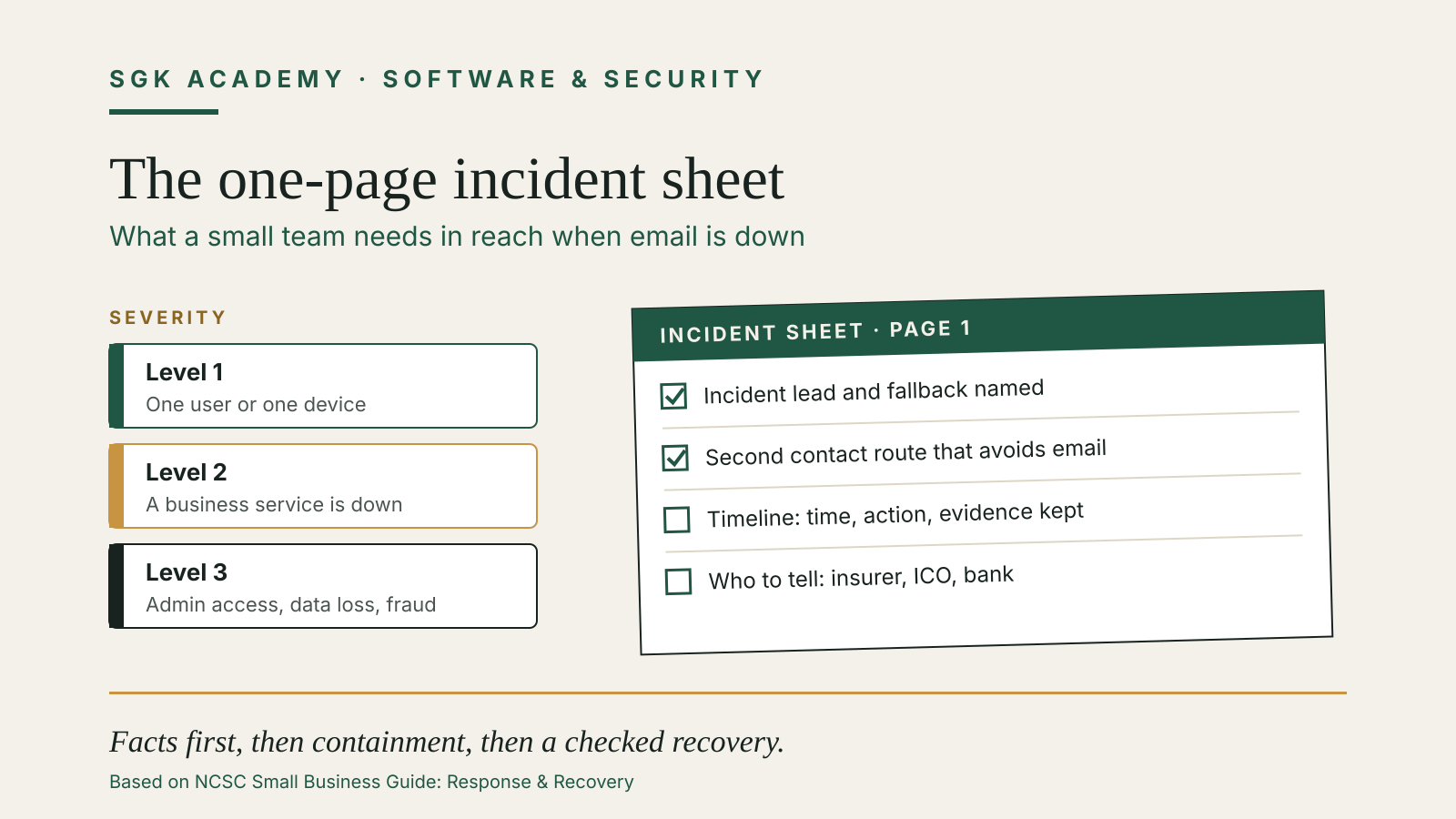
Set three levels of severity. A useful distinction is: one user or device affected; a business service affected; and a severe event involving privileged accounts, material data loss, fraud, ransomware or a long outage. Write who may disconnect a service, reset all accounts, contact customers or approve emergency spending at each level.
Identify what is happening without rushing to a conclusion
The first report is often incomplete. Start an incident log with the time, reporter, affected account or device, symptoms and every action taken. Preserve suspicious messages, relevant logs and screenshots. Do not wipe, rebuild or power down equipment blindly if a specialist may need evidence.
The NCSC’s identification checklist asks what stopped working, whether data was disclosed, deleted or corrupted, when the problem began, how customers are affected and whether the source may sit inside the organisation or its supply chain.
Ask these five questions first:
- What is the observable problem?
- Which accounts, devices, services and customers are affected?
- Is the incident still active?
- What changed shortly before it began?
- What is the likely business impact over the next hour and day?
Keep facts separate from hypotheses. “Three staff accounts sent unexpected messages” is a fact. “The mail provider was breached” is a hypothesis until evidence supports it.
Contain first, then recover in a controlled order
Containment limits further damage. Depending on the evidence, that may mean disabling a compromised account, isolating a device, blocking a malicious rule, rotating exposed credentials or asking a provider to suspend an integration. Coordinate changes so one person does not erase the trail another person needs.
The NCSC’s recovery step lists actions such as restoring from backups, patching software, cleaning or replacing devices and changing passwords. Those are examples, not a universal sequence.
For each restored service, check:
- the original entry point has been closed;
- privileged and recovery accounts are under control;
- restored data comes from a known point;
- monitoring and logs are working;
- a real business task succeeds;
- the owner accepts the service back into use.
Restore according to business dependency. Identity and DNS may need to come before email; email may need to come before finance or customer support. Avoid announcing “all clear” until the technical lead and service owner have both checked the result.
Decide who must be told
Prepare contact rows for the IT provider, domain or cloud provider, bank, insurer, regulator, law enforcement, major customers and key suppliers. Each row should state the trigger, decision owner, contact route and information to include.
The NCSC says businesses should check whether an incident must be reported to the Information Commissioner’s Office or another regulator, and should keep staff and customers informed where the incident affects them. Its stakeholder guidance also recommends reporting cyber crime through the appropriate law-enforcement route.
Notification duties depend on the facts and jurisdiction. Link the plan to your legal checklist instead of writing one fixed deadline for every incident. For personal-data breaches, use SGK Academy’s 72-hour data-breach guide to understand the separate assessment and record-keeping work.
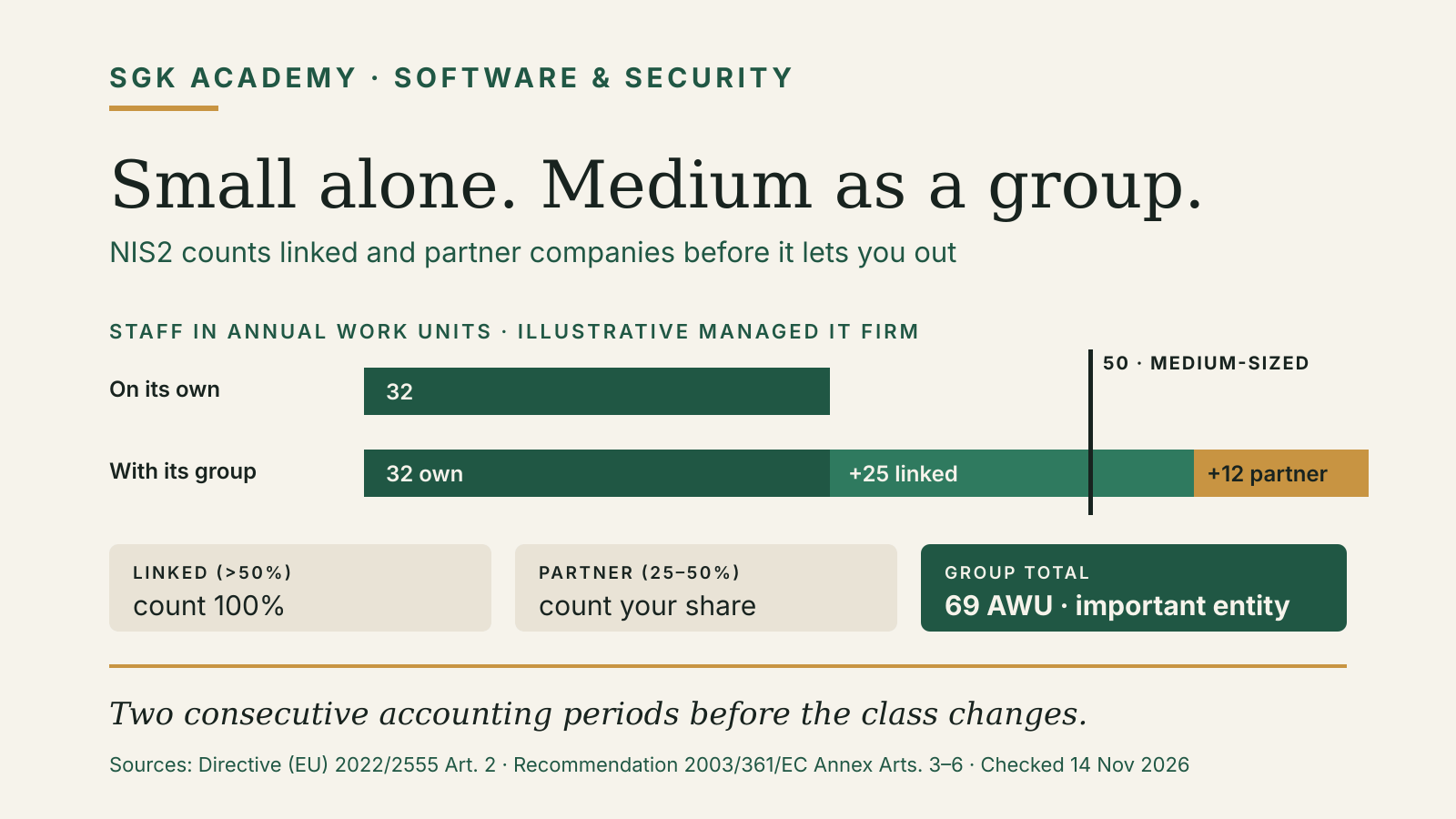
If your business is an essential or important entity under the EU’s NIS2 Directive, a significant incident also starts a 24-hour early-warning clock with the national authority. Our guide to NIS2 for a small business explains who is in scope, including how group companies count towards the size cap.
Use a one-page incident sheet
A usable first page can contain:
- incident name, start time and current severity;
- lead, technical lead and fallback contacts;
- affected services and known customer impact;
- immediate containment decision;
- next review time;
- regulator, insurer and provider triggers;
- link to the live timeline;
- recovery order and acceptance owner.
Keep detailed playbooks for common incidents behind that first page: account takeover, lost device, ransomware, payment diversion and website outage. Run a short tabletop exercise twice a year. Give the team a scenario, remove one normal communication channel and see whether people can find the plan, reach the right contacts and make the first three decisions.
After an incident, compare what happened with the plan. The NCSC’s lessons-learned guidance recommends reviewing actions, updating the plan, strengthening controls and reconsidering supplier arrangements where needed. Record one owner and due date for each change.
For routine account protection before an incident, see Password Manager for Small Business.
The first hour: a worked scenario
Imagine that a staff member reports an unexpected supplier-payment request sent from the company’s email domain. The finance team has not paid it, but two customer replies suggest that other messages may have gone out.
In the first ten minutes, the incident lead opens the timeline and records the report without deciding that the mail provider itself was breached. The technical lead disables active sessions for the affected account, preserves the suspicious messages with their headers and checks for forwarding rules, new recovery methods and recent administrator changes. Finance pauses changes to supplier bank details through email.
The next decision is scope. The team checks whether other accounts show unusual sign-ins or sent messages, whether the domain’s DNS records changed and whether the accounting system or payment service was accessed. Customer support receives a short holding line so staff do not improvise different explanations.
If evidence shows one compromised mailbox, the response can stay focused. The team rotates the affected credentials, removes the malicious rule, reviews linked applications and verifies that multifactor authentication and recovery methods are controlled. If administrator access, customer data or payment credentials are involved, the incident lead raises the severity and calls the provider, insurer and legal or privacy contact named in the plan.
Recovery is not complete when the user can sign in again. The technical lead confirms that the account has no unknown sessions or applications, sends a test message, checks mail-flow rules and watches for recurrence. Finance independently verifies any supplier-detail request received during the affected period. The incident lead then decides whether customers need a factual notice.
This example shows why the plan separates observation, containment and recovery. Resetting a password may stop one access route, but it does not by itself establish the scope or remove every persistence method.
Make the plan usable during an outage
A long policy document can be correct and still fail in practice. Put the first decisions on a single sheet. Use short verbs: call, isolate, record, decide, verify. Give every escalation point a named owner.
The working incident log should capture:
- time in one agreed timezone;
- person recording the event;
- observation or action;
- account, device or service affected;
- evidence preserved and where it is stored;
- decision owner;
- next review time.
Do not put passwords, recovery codes or private keys in the incident sheet. Link to the controlled credential process. If the team uses a collaboration tool for the timeline, define a fallback in case that tool is part of the outage.
A good exercise tests the awkward parts. Remove the primary incident lead from the scenario. Assume email is unavailable. Ask whether the second contact method works, whether the team can reach the hosting provider without logging into a compromised mailbox and whether someone can restore a known file from backup.
Finish the exercise with three concrete changes, each with an owner and deadline. A list of lessons without ownership is not a control.
Separate the incident plan from the technical playbooks
The plan coordinates people and decisions. Playbooks contain the technical response for a particular event. Keeping the two separate makes both easier to maintain.
A lost-device playbook may cover remote lock, session revocation and device inventory. An account-takeover playbook may cover sessions, recovery methods, forwarding rules and linked applications. A ransomware playbook may cover isolation, backup integrity and specialist support. The incident plan tells the team when to use one, who authorises disruptive actions and how the business communicates while the technical work continues.
Review playbooks when systems change. A recovery procedure written for a retired email provider or an old backup product is dangerous precisely because it looks familiar during a crisis.